

Client documents checked before they go into AutoCount or SQL Account
For firms that receive invoices, receipts and bank statements from many clients by WhatsApp, email and paper. Dokira sorts documents by client, checks them, and prepares the data for import once your staff approve it.
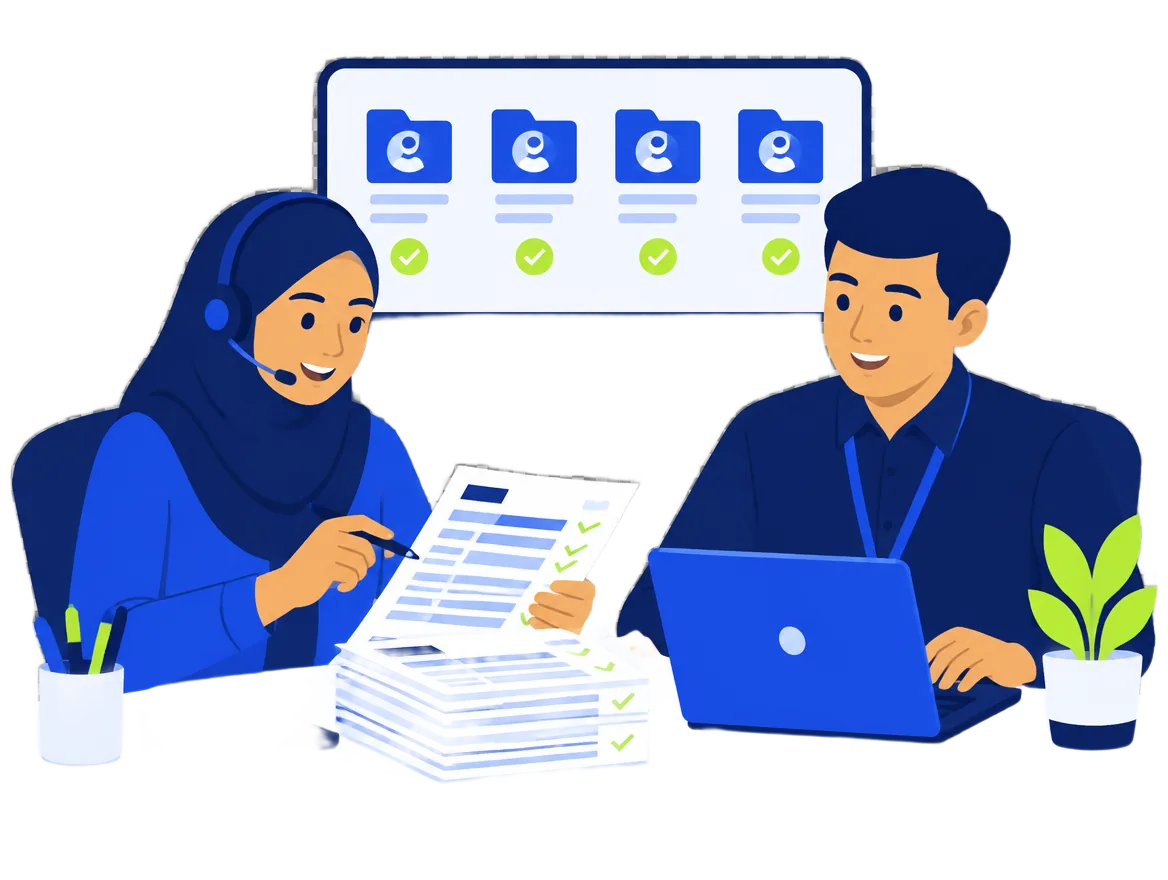
Familiar work at small and mid-sized firms
- Client documents arrive by WhatsApp, email, scanner and paper, and some stay on staff members' own phones.
- Invoices are typed one by one into AutoCount or SQL Account.
- Wrong totals, TINs or duplicate invoices are found only at month-end close or audit.
- Partners find it hard to see who reviewed and approved what.
How Dokira works for firms
One inbox per client
Every document is filed under the right client. Staff see the documents waiting for review across all clients in one place.
Checks before approval
Totals, SST by date, TIN and SSM format, duplicates, changed supplier bank accounts and the MyInvois QR code. Errors block approval; warnings must be acknowledged.
Preparer and reviewer
On the Firm plan a document can go through two levels: the preparer prepares, the reviewer approves. An amount threshold decides when a second approval is needed.
Export per client system
AutoCount or SQL Account import files per client, or Excel and CSV.
Windows workstation
Review with the keyboard, import from scanners and watched folders, and save export files straight to the office network folder.
Plans for firms
- Professional: up to 10 clients, 5 users and 1,500 documents a month, with bank statements and approval by amount threshold.
- Firm: unlimited clients, two-level review and 5,000 documents a month.
Questions from firm partners
- Does this replace our staff?
- No. There is less typing, but your staff still review and use their judgement. Dokira does not replace AutoCount or SQL Account either.
- Our clients use AutoCount desktop.
- Dokira prepares AutoCount import files for each client. When you register interest, tell us which systems your clients use.
- Is client data safe?
- Each organisation's data is kept apart, bank account numbers are encrypted, every file is virus-scanned, and original files are deleted after 30 days by default. The Security page has the details.
- What if the AI makes a mistake?
- That is why nothing is exported without a person approving it. Fields the AI is unsure of are flagged and rules check totals and formats.
Tell us about your firm
Register your interest and tell us your clients' accounting systems. We will contact you when sign-up opens.