

Checked against Malaysian rules
Line totals, SST by document date, TIN and SSM format, duplicates and changed supplier bank accounts are checked first. Errors block approval.
Dokira reads supplier invoices, receipts and bank statements, checks totals, SST, TIN and duplicates, then prepares import files for AutoCount and SQL Account. Nothing reaches your ledger until your staff approve it.
Accounting work in Malaysia still relies heavily on typing. Dokira turns that work into reviewing.
Reading invoices with AI is now part of many tools. For a firm, what matters more is what happens before the data is imported.
Line totals, SST by document date, TIN and SSM format, duplicates and changed supplier bank accounts are checked first. Errors block approval.
One inbox per client. Import files are prepared for AutoCount or SQL Account per client, with Excel and CSV as other options.
High-value documents can need a second approval. Every change is recorded with the user and the time, so partners know who approved what.
AI reads, rules check, people approve. Nothing reaches your accounting system without your approval.
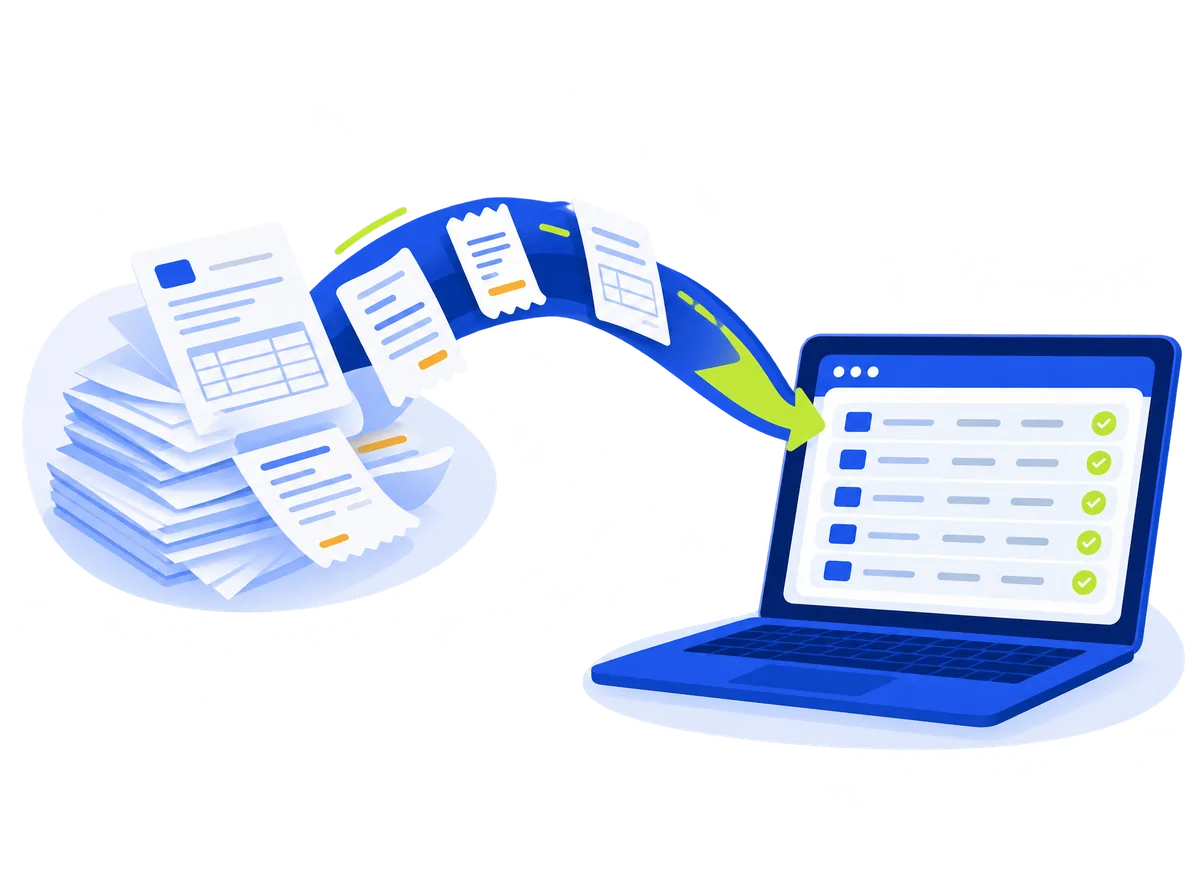
Drag in files, watch a folder or scan with a scanner on Windows. On a phone, take a photo or share from WhatsApp.
AI extracts the supplier, invoice number, date, line items, SST and totals, with a confidence score for each field.
Rules check totals, SST, TIN and SSM format, duplicates and unusual patterns, and detect the MyInvois QR code.
Your staff approve the document. High-value documents can need a second approval, depending on the plan.
Generate import files for AutoCount or SQL Account, Excel or CSV, with a PDF archive.
Phone apps for iPhone, iPad and Android are coming to the App Store and Google Play.
Dokira does not replace your accounting system. It prepares reviewed data for you to import.
Dokira detects the MyInvois QR code on supplier invoices and stores the e-Invoice UUID with the approved document.
Dokira does not issue or submit e-Invoices to LHDN. LHDN rules change, so check the current LHDN guidance.
A summary of the security design. The Security page has the details.

Every query is limited to your organisation and tested automatically.
Screens only show the last 4 digits. Full numbers are stored encrypted.
Default 30 days. Admins can choose right after processing, 7, 30 or 90 days.
Documents are read by Anthropic's AI in the United States. Bank account, MyKad and card numbers in the text are hidden first. No other AI provider receives your data.
High-value approvals on the phone are signed with a device key that requires biometrics. Biometric data never leaves your phone.
Changes to accounting data are visible, attributed to a user and recorded.
One monthly price per plan. Documents over the quota cost RM0.25 each, up to a cap you set.
Prices exclude SST. Register interest to hear when sign-up opens.
RM129a month
300 documents a month
about RM0.43 per document at full quota
RM349a month
1,500 documents a month
about RM0.23 per document at full quota
Best fit for most firmsRM899a month
5,000 documents a month
about RM0.18 per document at full quota
Going over quota: RM0.25
Register your interest and tell us which accounting system your firm uses. We will contact you before sign-up opens.