

Features
Everything Dokira does for you
From reading documents to import files: the full list of Dokira's features.
Read and understand documents
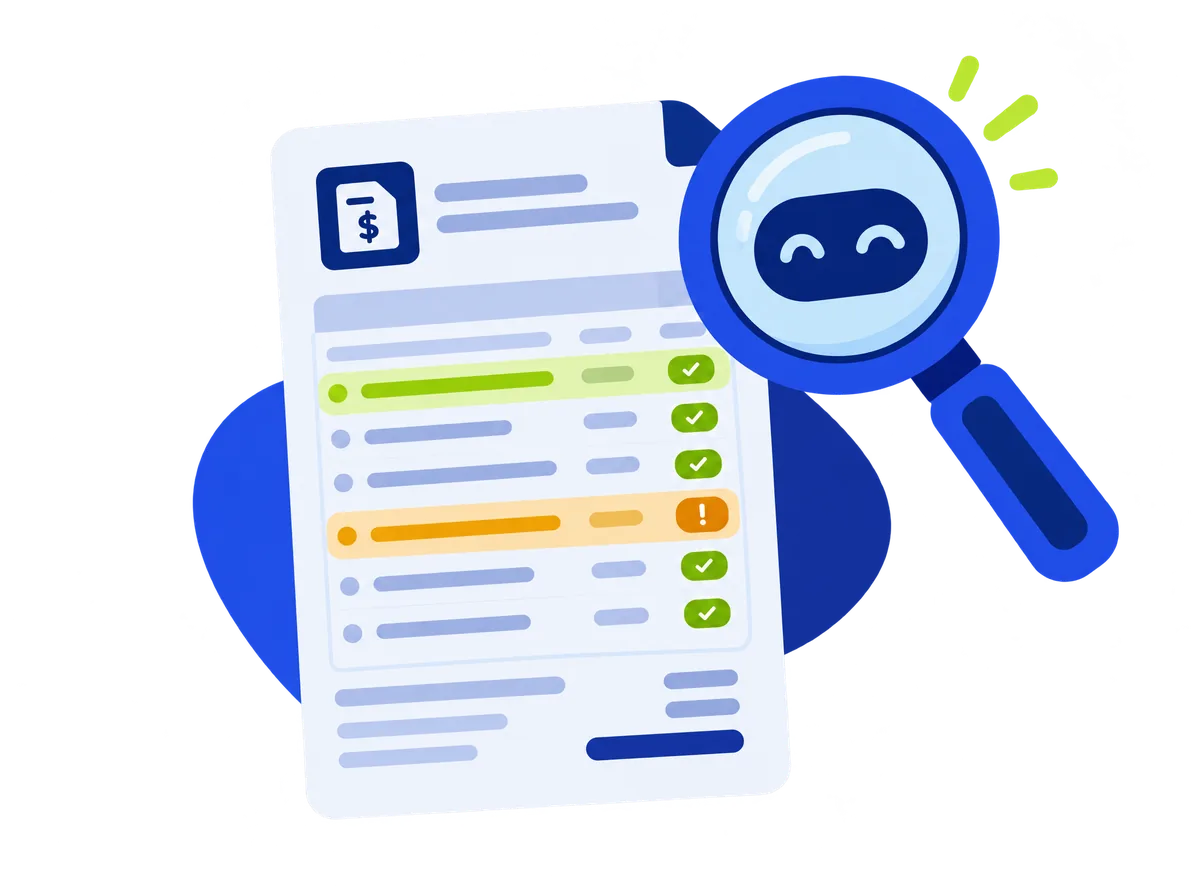
- Supplier invoices, credit notes, receipts, utility bills and bank statements.
- Digital PDFs, scans and phone photos, in Malay, English and mixed.
- PDFs with many invoices are split into separate documents.
- A confidence score for every field. Fields below the threshold are flagged for review.
- HEIC photos from iPhones are converted automatically.
Check before you approve
- Line items equal the subtotal, subtotal plus tax equals the total.
- SST rate by document date, TIN format, SSM number and SST number.
- Exact duplicates and possible duplicates are detected.
- The MyInvois QR code on supplier invoices is detected.
- Errors block approval. Warnings must be acknowledged with "I have checked".
Anomaly alerts
- Supplier bank account changed (forces an approval).
- Unit price far above the median of earlier purchases.
- New supplier with a large total.
- Repeated or regressing invoice numbers, round totals, and totals just under the approval threshold.
- Dates on weekends or public holidays.
Learns from corrections
- Supplier aliases and supplier matching.
- Account code suggestions from rules learned for each client.
- Import a client's chart of accounts, with a basic template for companies without an accounting system.
Approval and audit
- Approval by amount threshold (Professional and Firm).
- Two-level review (Firm).
- Bulk approval on the phone with a device key protected by biometrics (Face ID or fingerprint), or with the Dokira password on Windows.
- An audit trail for every change and approval.
Bank statements (Professional and Firm)
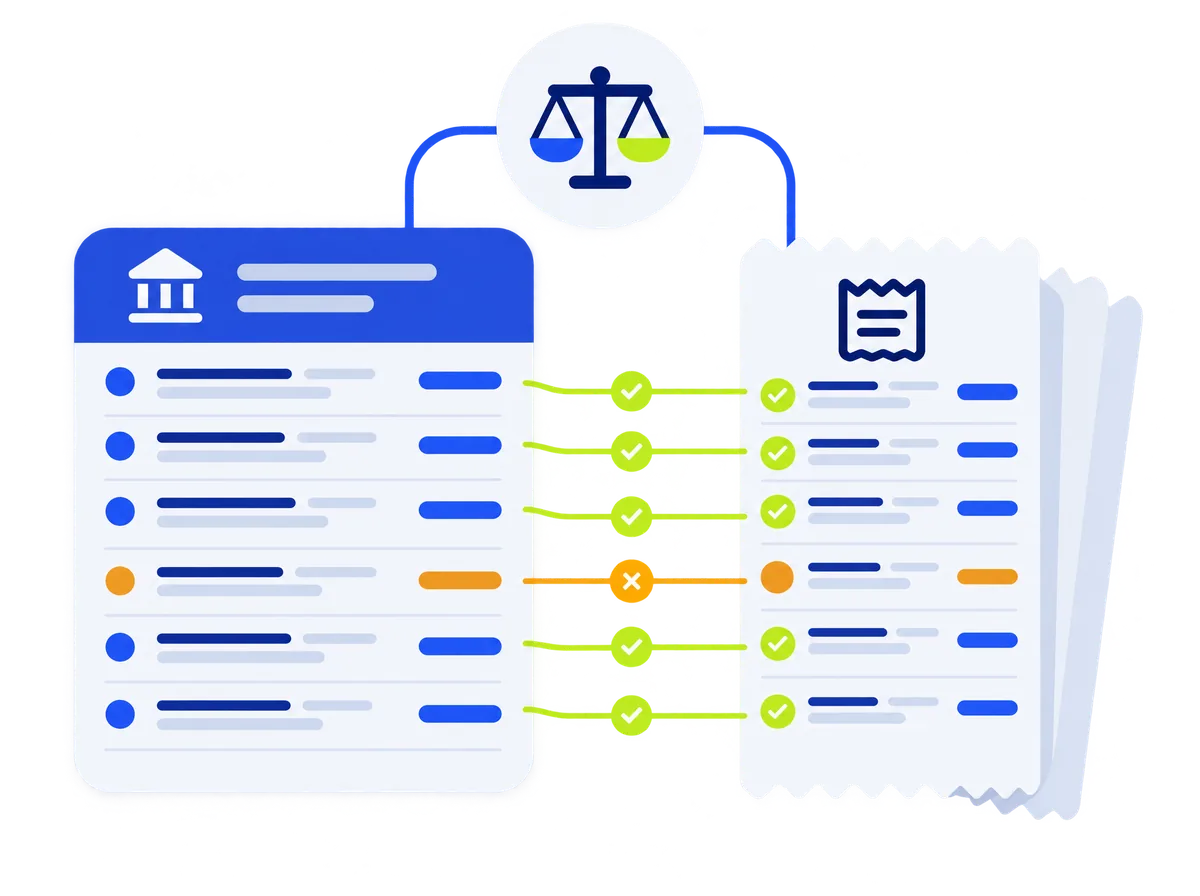
- Balance proof: opening balance plus credits minus debits equals closing balance.
- A gap locator when the balance does not match.
- Matching of transactions to approved invoices.
Windows workstation
- Keyboard-driven review with the document side by side.
- Drag and drop, watched folders and scanners.
- Dual-monitor mode.
- Export files written straight to your network folders.
- Dark and light modes, Malay and English interface.
Phones
- Scan documents with the camera, including continuous mode.
- Share from WhatsApp, Gmail or Files.
- An upload queue that keeps files when there is no internet.
- Brief review and approval with biometrics.
Export
- AutoCount and SQL Account import files, on every plan.
- Excel and CSV.
- PDF archive with tidy file names.